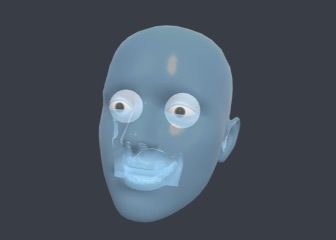
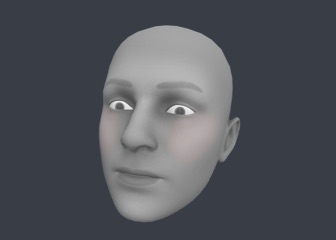
3D face mask
Put the Face Cap head on camera and animate it with your own expressions. The head turns with you and responds to your eyes, mouth, eyebrows, and tongue.
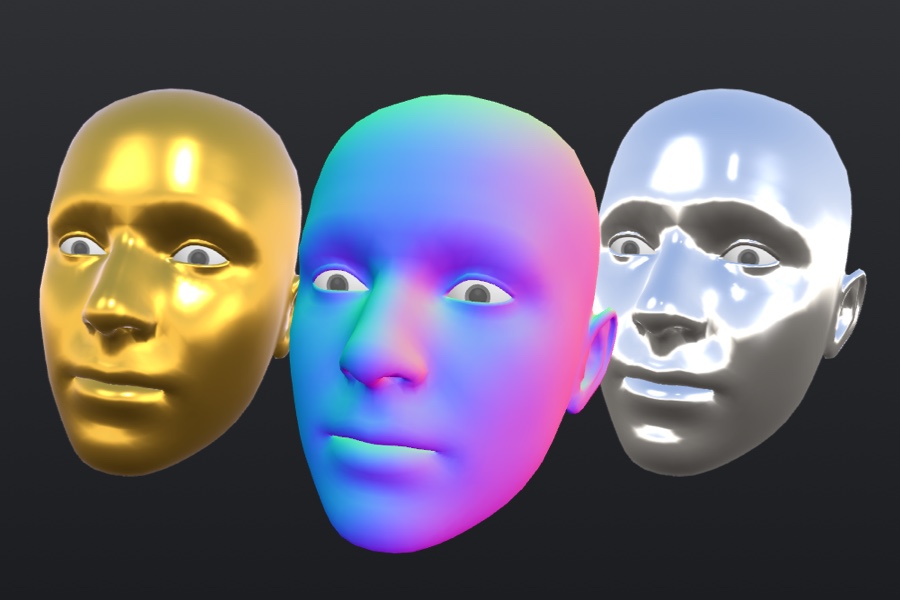
The default view shows only the rendered head against a dark background. Turn on Show webcam to include the room around it. During a very fast movement, that mode can briefly reveal an edge of your face.
How to use it
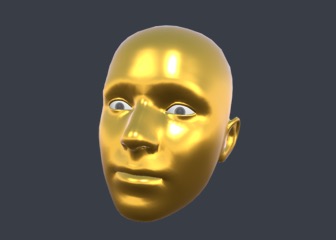
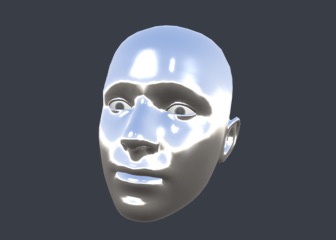
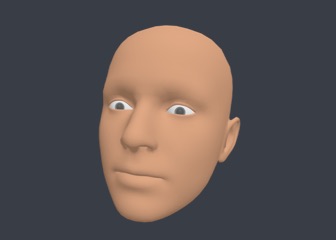
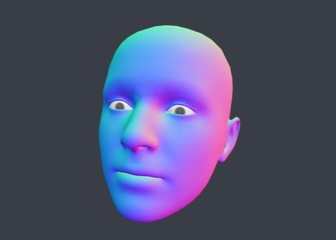
Switch on Face mask in the menu bar. Open Face mask in Settings to choose its finish and background. Gold is the default. The six finishes below all use the same head tracking.