Face tracking points
Display the facial landmarks that drive the 3D mask. Small green dots outline the face and cluster around features that change shape as you talk.
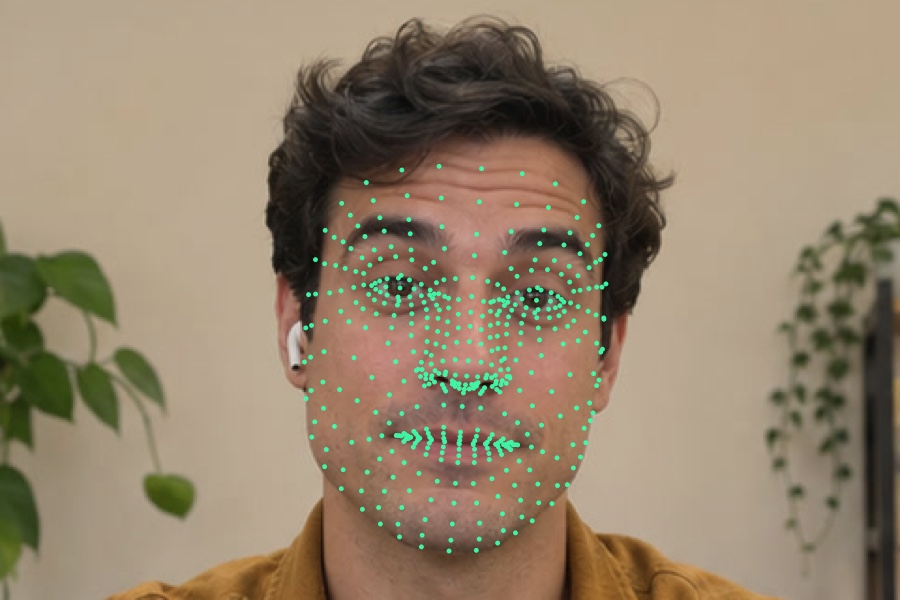
Blink, raise an eyebrow, or open your mouth to watch the landmarks move. This is a good way to show how much facial detail the tracker captures before switching to a full mask.
How to use it
Open Settings, choose Face mask, and enable Show tracking points. You can show the dots over the camera picture or turn on the mask as well.