Original mask
Original shows the Face Cap model with its own skin texture. Your expressions animate this character, so you can compare its resting face with a blink, raised brow, or grin.
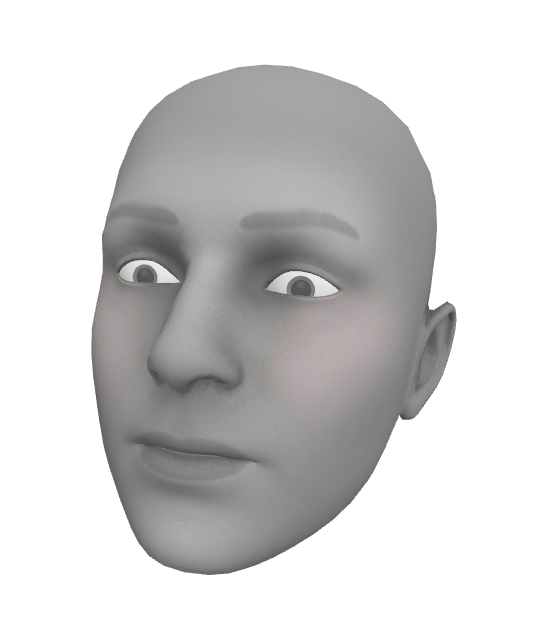
Choose Original when the character’s painted features are part of the performance. Switch to Clay during the same call to see how the texture changes the way those expressions read.
How to use it
Turn on Face mask and open its settings. In Look, select Original. You can change the finish at any time while the camera is running.