Ghost mask
Ghost turns the 3D head pale blue and translucent. Your blinks and mouth movements give the floating face an apparition-like expression.
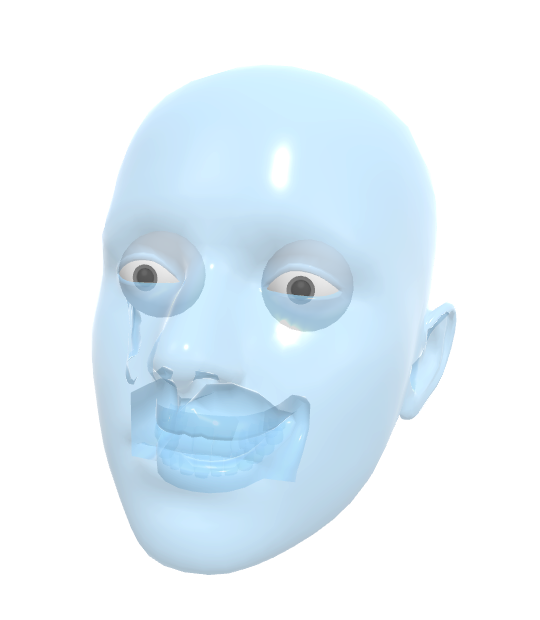
For a disembodied character, keep the plain dark background and turn your head slowly. The renderer covers your face area before drawing the translucent material when Show webcam is enabled.
How to use it
Switch on Face mask and select Ghost in its Look picker. Use the Show webcam switch in the same settings to choose whether the room appears around the head.