Face box
Put a green box around each face the camera detects. Move sideways or lean closer and the box follows the position and size of your face.
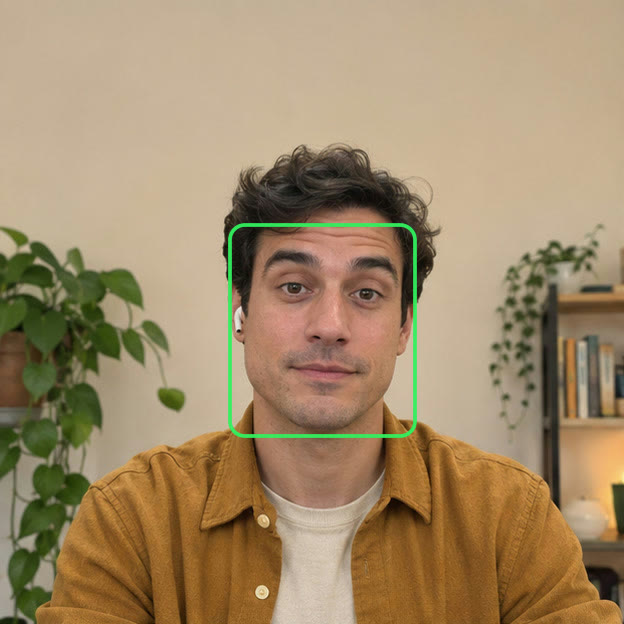
Use it for a tracking demonstration or combine it with Security cam for a surveillance-camera scene. The box marks the area the app can follow, including multiple faces that share one camera.
How to use it
Turn on Face box in the menu bar, or open Settings and enable Show face box under Face tracking. Choose a camera look separately if you want to style the picture underneath it.