Virtual camera for Mac
Keep a
straight face.
Put your nod on a loop. Give a thumbs-up and cue the confetti. Let a spider land on your head while you carry on with the meeting.
Download for MacThe Mac download is coming soon.
macOS 15+ · Zoom, Google Meet & FaceTime
Team check-in
Demo call





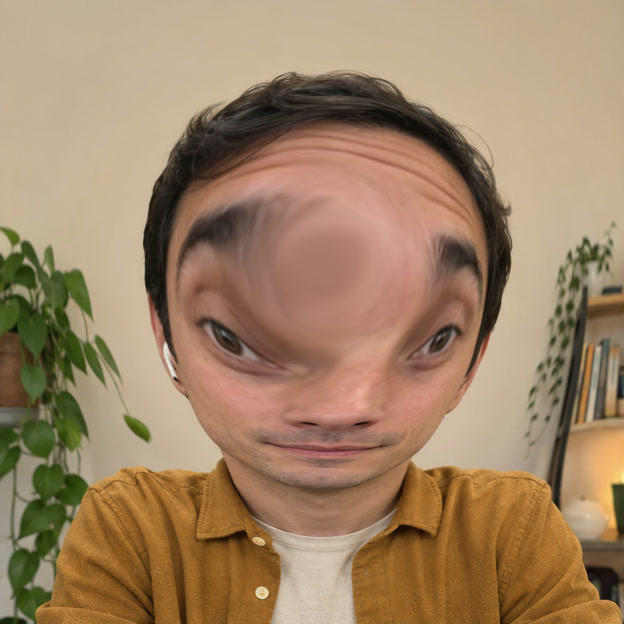


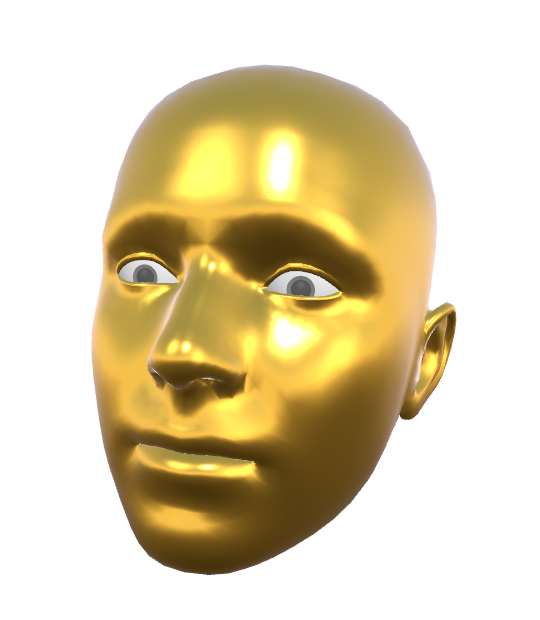
The effects.
Pick an effect from the Mac menu bar, or use a gesture when the timing is right. Browse the effects library
The nodding loop
Choose Loop me and nod for four seconds. Your clip plays forward and backward until you switch back to the live camera.
Spiders, ants & confetti
Hold a peace sign to toggle dangling spiders. A thumbs-up bursts confetti from your thumb. Ants can march in a line or wander across the frame.
Face effects & masks
Turn every face into a bobblehead with Big head, draw a tracking box, or show tracking points. The Face Cap mask comes in Gold, Chrome, Clay, Rainbow, Ghost, and Original. Show it alone or over your webcam picture.
Camera looks
Choose Comic, Noir, Thermal, Sketch, VHS, or Security cam. VHS adds scanlines and a tape counter. Security cam stamps the time onto a grainy feed.
Signal glitches
Bad connection briefly freezes the picture. TV static rolls a screenful of snow. Glitch splits the colors and shifts strips of the frame sideways.
Text, captions & images
Set a line of text at the top or bottom, or turn on voice commands for live captions. Pin your own image in a corner and adjust its size.